
A · RetailReady
Pharmacy
Pharmacies that must track batches, expiry and prescription-only or controlled medicines.
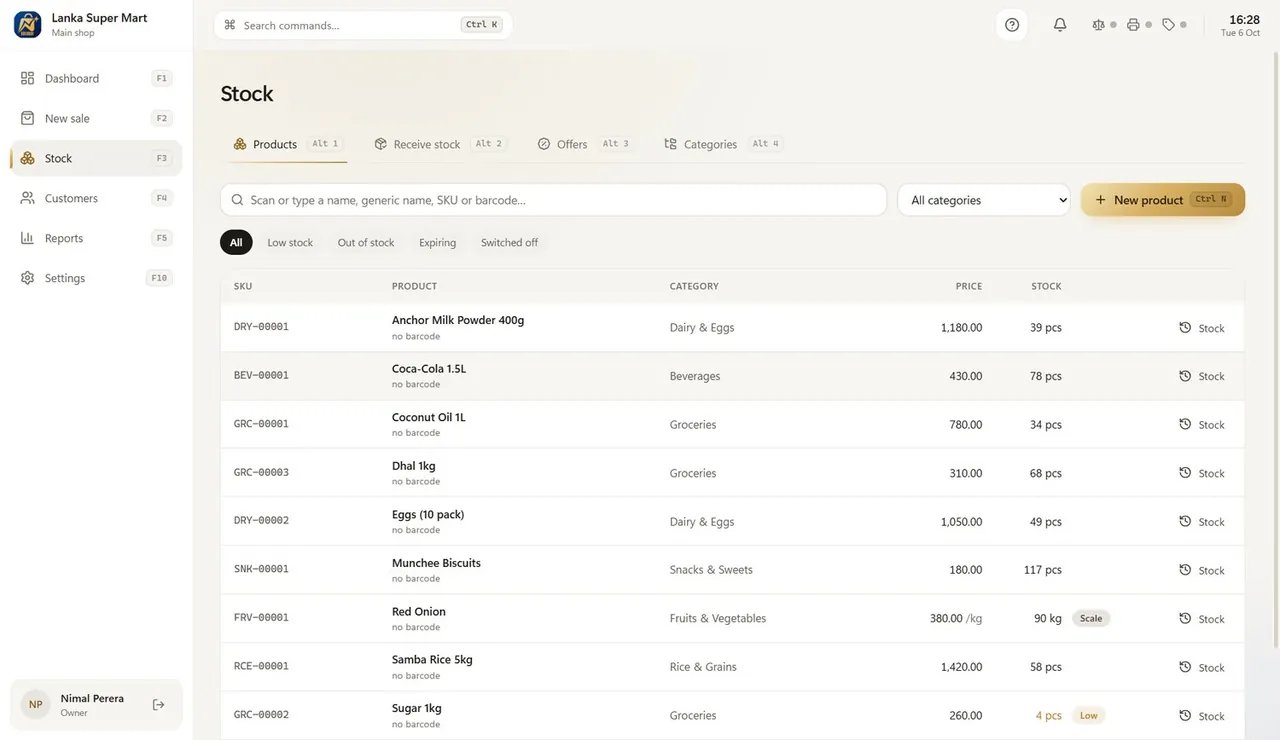
What you get
- Batch and expiry tracking with alerts
- Generic names and substitutes
- Prescription capture for Rx and controlled medicines
- Controlled-drug register
- Customer records and credit
- Barcode billing
How a day works
- 1Add each medicine with its generic name and class: over the counter, prescription only or controlled.
- 2Receive stock with batch and expiry. The oldest batch is sold first and expiry alerts appear on the Dashboard.
- 3Search by brand or generic name at the till; Substitutes shows other brands of the same ingredient.
- 4Prescription-only and controlled medicines ask for the prescription details (patient, doctor, number) before the bill can be completed.
- 5The controlled-drug register lists every sale for inspection.
- 6Close the day as usual.
Screens you will use
- Dashboard
- New sale
- Stock
- Customers
- Reports
Starting categories
Prescription MedicinesOTC MedicinesVitamins & SupplementsAyurvedic & HerbalBaby & MotherPersonal CareMedical DevicesFirst Aid
Rename, add or remove any of them.
Tip
Keep the generic name filled in. It is what makes the substitute search work.