
A · RetailReady
Liquor Store
Wine stores and liquor shops.
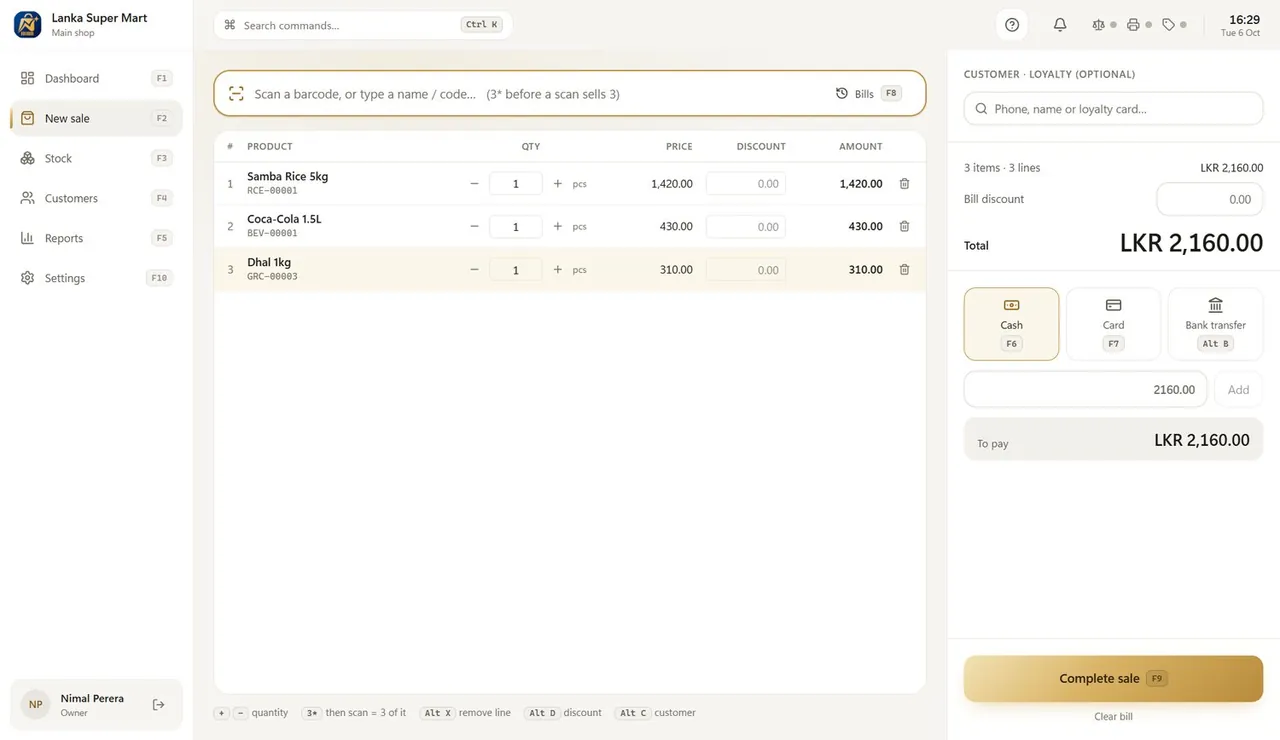
What you get
- Case and bottle units
- Batch tracking
- Barcode billing
- Cash, card and bank payments
- Day-end with void log
How a day works
- 1Add bottles with barcodes and the right unit (bottle, case).
- 2Receive stock with batch numbers and dates.
- 3Scan at the till; mixers and snacks sit in their own categories.
- 4Close the day with cash and card totals; voids need a reason.
Screens you will use
- Dashboard
- New sale
- Stock
- Customers
- Reports
Starting categories
ArrackBeerWineWhisky & SpiritsSoft Drinks & MixersSnacksCigarettes
Rename, add or remove any of them.
Tip
Use the activity log (owner only) to review every void and discount.