
C · ServicesReady
Vehicle Service Center
Vehicle service centers and garages.
What you get
- Job cards by vehicle registration
- Parts and labour with customer approval
- Vehicle history and service-due reminders
- Mechanic commission
- Advance payments
- Parts stock
How a day works
- 1Open a job card with the vehicle registration number. The vehicle's history appears.
- 2Add parts and labour lines. Send them for the customer's approval.
- 3Move the job through its stages until it is Ready.
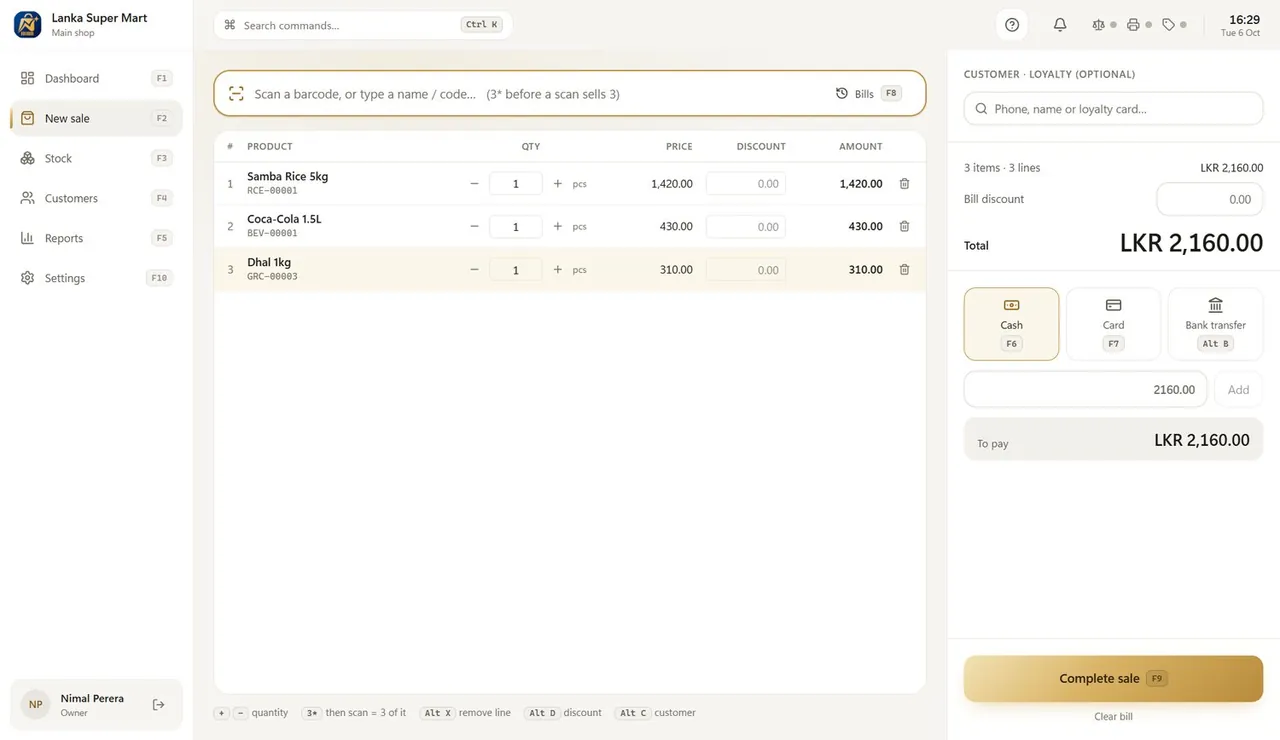
- 4Billing the job opens the till with all the lines; any advance is deducted.
- 5Service-due reminders list customers whose next service is coming up.
Screens you will use
- Job cards
- New sale
- Stock
- Customers
- Reports
Starting categories
LabourEngine oilsFiltersPartsTyres & BatteriesWashing
Rename, add or remove any of them.
Tip
Always get approval before adding big extra parts; the approval is stored on the job.