
E · WholesaleReady
Wholesale / Distributor
Distributors and wholesalers who deliver to many small shops, on credit.
What you get
- Routes, reps and customer accounts
- Credit limits and credit days enforced at the till
- Rep orders at wholesale prices
- Cheque tracking with due-to-deposit alerts
- Overdue list with WhatsApp reminders
- Aging, route and rep reports
- Rep commission
- Mobile access for reps
How a day works
- 1Set up routes (for example Kandy Town on Tuesdays) and your reps.
- 2For each customer set the route, the rep, the credit limit and credit days.
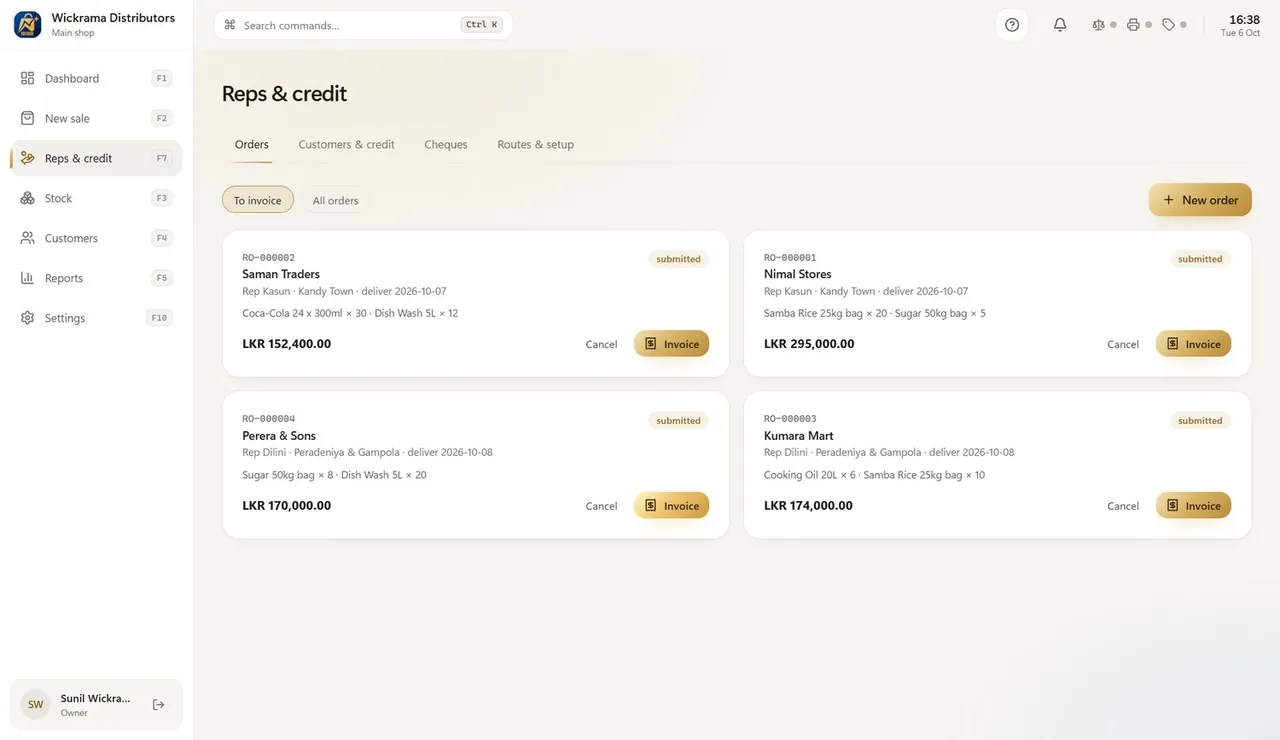
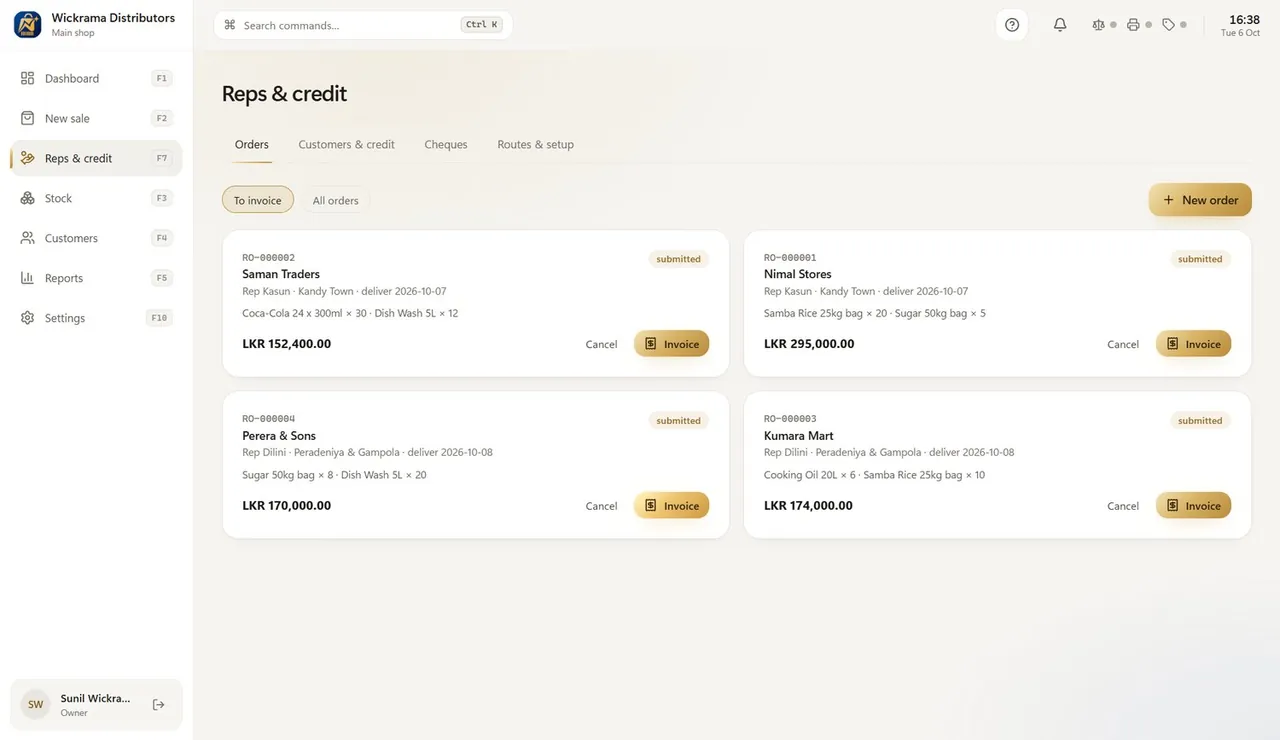
- 3A rep takes an order for a shop at wholesale prices (on the PC or a phone). Orders are listed To invoice.
- 4Invoice at the till when the order is packed. A bill that would pass the credit limit is refused. The rep earns commission.
- 5Record every cheque you receive with its date. Mark it Deposited, then Cleared, or Returned. Clearing pays the customer's balance.
- 6Reports show customer aging, outstanding by route, rep performance and cheques.
Screens you will use
- Reps & credit (Orders, Customers & credit, Cheques, Routes & setup)
- New sale
- Stock
- Reports (Wholesale)
Starting categories
GroceriesBeveragesHouseholdPackagingStationeryOther
Rename, add or remove any of them.
Tip
Check the Customers & credit tab each morning: it lists who is overdue and who has a cheque ready to deposit.